Optimizing Images for a Website on a Linux Server
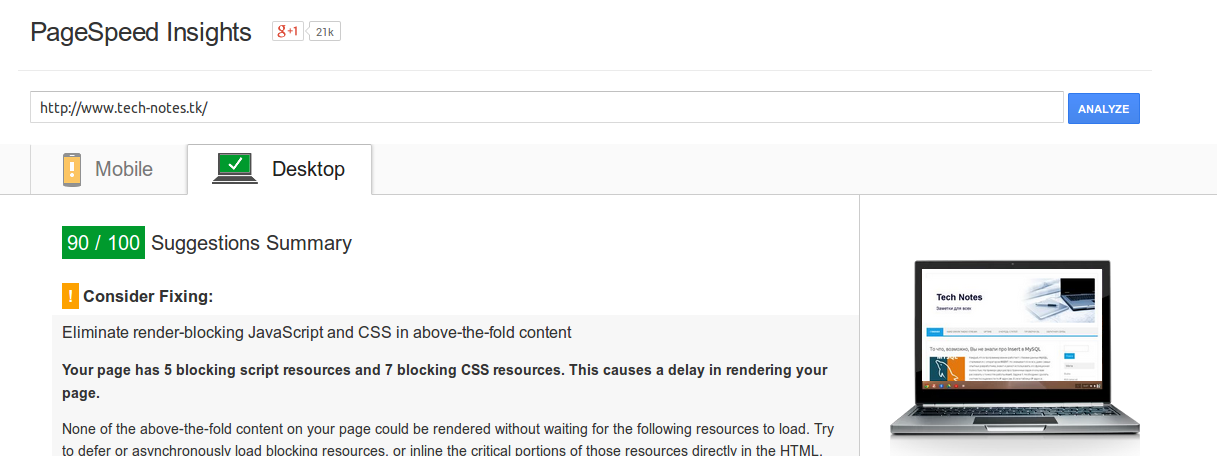
Many of us have run into page speed testers complaining about unoptimized images more than once. Many of us have also ignored those warnings and settled for fast page load times anyway.
For those who want a high score on these speed tests, I suggest compressing/optimizing your images. We only need a few utilities for that.
For CentOS:
yum install optipng jpegoptim pngtools
For Ubuntu:
apt-get install jpegoptim optipng pngtools
Next, just in case, make a backup of the site and go into the folder where it’s stored. To optimize all jpg, jpeg and png files you can use these small loop scripts:
for f in $(find . -type f -name `*.png`);do optipng $f;done
for f in $(find . -type f -name `\*.jp\*g`);do jpegoptim -m70 $f;done