Installing NewRelic Plugins with NPI: MySQL Example
Most people know newrelic.com - a service for tracking application state and performance. This service is developing pretty fast and the developers keep expanding its functionality, adding new plugins for advanced monitoring of applications and servers.
Naturally, at that pace they had to come up with a way to simplify installing plugins on their users’ servers (that is, us). And they came up with npi - the newrelic plugin installer.
Installing it is pretty simple:
wget https://download.newrelic.com/npi/release/install-npi-linux-redhat-x64.sh
sudo bash install-npi-linux-redhat-x64.sh
During install you might hit the following error:
FATAL ERROR: v8::Context::New() V8 is no longer usable
It’s related to memory usage limits and is fixed like this:
ulimit -v unlimited
At the end of the install you’ll get a message that you need to run npi from the /root/newrelic-npi folder.
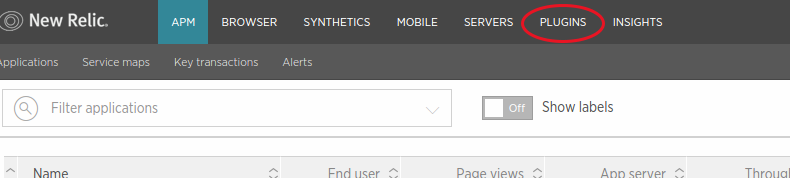
You can find the full list of available plugins under the Plugins tab in your Newrelic account:
Another way - with npi:
cd /root/newrelic-npi
./npi available
Every plugin has its own requirements. For example, the MySQL monitoring plugin needs Java (JRE) v.1.6, MySQL v.5.0 and up.
On CentOS Linux run the following to install Java 1.7 OpenJDK:
sudo yum install -y java-1.7.0-openjdk
Prepare a username and password for MySQL access. You’ll need this info during the install.
Installing the plugin:
cd /root/newrelic-npi
sudo ./npi install com.newrelic.plugins.mysql.instance
During the install you’ll be prompted to edit the plugin’s config file. Don’t worry if you don’t have all the info yet (login/password for MySQL access) or if you picked the wrong name for mysql (Localhost).
You can edit the config file later too - here it is:
/root/newrelic-npi/plugins/com.newrelic.plugins.mysql.instance/newrelic_mysql_plugin-2.0.0/config/plugin.json
Set the plugin daemon to start on boot and start it:
chkconfig newrelic_plugin_com.newrelic.plugins.mysql.instance on
/etc/init.d/newrelic_plugin_com.newrelic.plugins.mysql.instance restart
Keep in mind that the MySQL server will only show up in the NewRelic list once there’s actual load.